Workspace model
Separate by design
Keep each company’s history, AI behavior, access, and deployment settings cleanly partitioned.

Lumina Chat gives each company its own branded assistant, inbox, AI rules, and deployment surface while your team keeps one clean operating system behind the scenes.
Workspace model
Separate by design
Keep each company’s history, AI behavior, access, and deployment settings cleanly partitioned.
Go-live path
Fast rollout
Create the workspace, set behavior, install the widget, and start handling customer conversations.
Operations layer
Human-ready
Manage AI replies, voice notes, images, and live handoff from the same workspace inbox.
Branding
Per workspaceAI behavior
Custom rulesInbox control
Agent handoff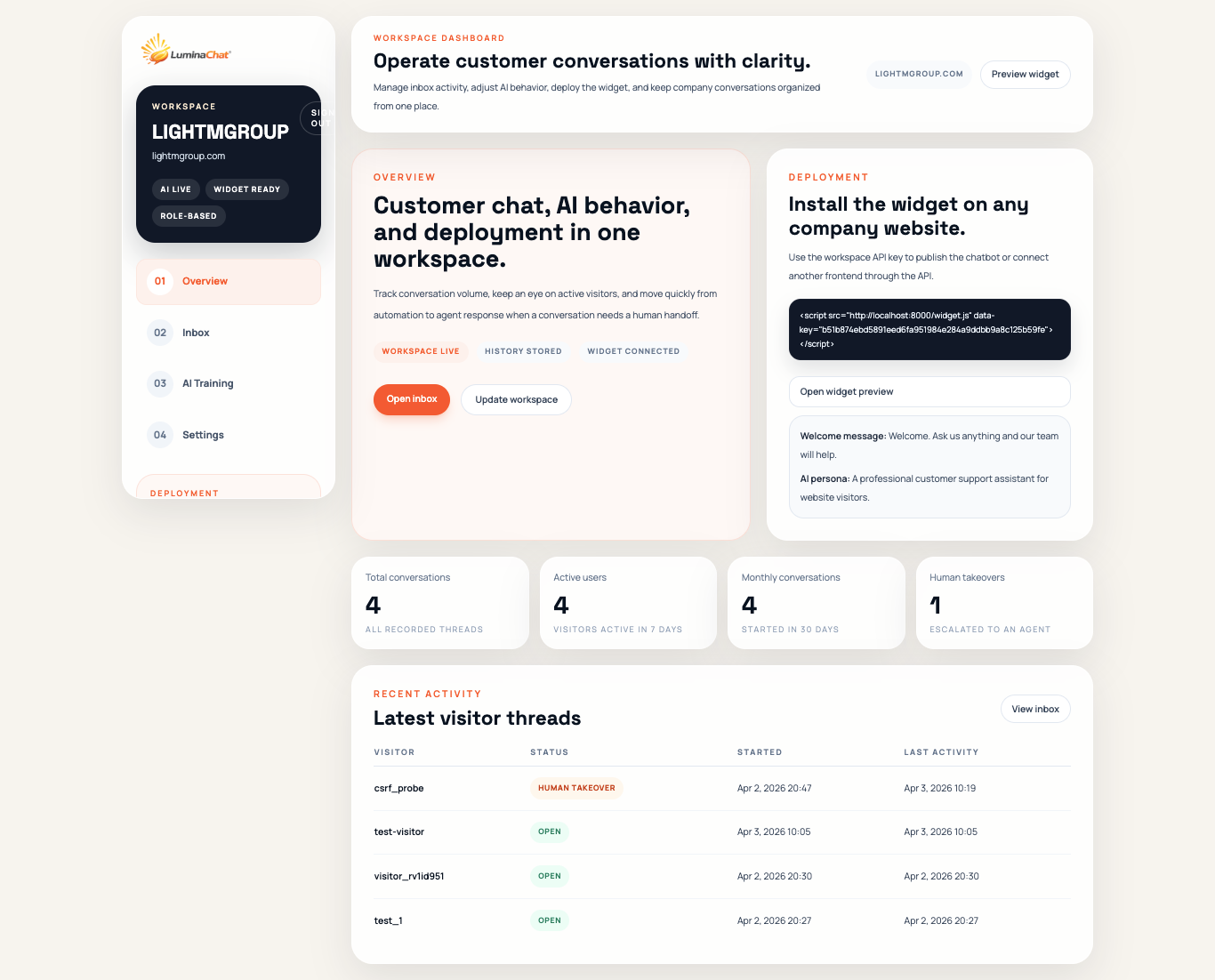
Unified control center
Monitor conversations, deploy widgets, and tune AI behavior without leaving the workspace context.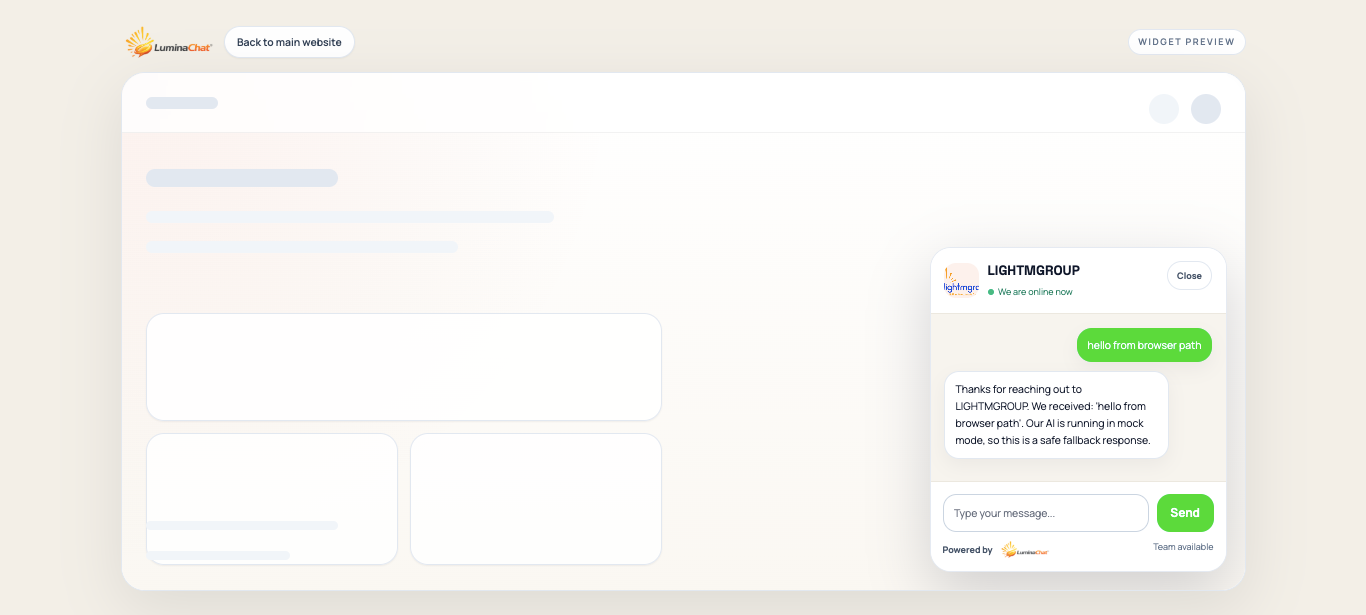
Embeddable widget
Ship a polished customer-facing chat surface on any site.WhatsApp handoff
Capture qualified leads and route serious visitor intent directly to your team.Built for teams rolling customer chat across many websites without losing brand separation, deployment speed, or operational control.
Why Lumina
Lumina Chat is built for repeatable rollout. New workspaces can go live quickly while history, team access, AI policies, and deployment settings stay organized by company.
Brand control
Set opening messages, tone, and reply behavior for every company or client you manage.
Team workflow
Use AI as the front line and bring in human agents when the conversation needs nuance or intervention.
Platform reach
Launch quickly with the widget or connect the same backend to custom customer-facing experiences.
Features
Every workspace includes deployment, inbox management, AI controls, access roles, and conversation history so teams can operate support with consistency.
Core platform
Lumina keeps the shared platform simple while letting each workspace carry its own identity, deployment key, AI instructions, and inbox operations.
01
Give owners, admins, and support agents one place to monitor inbox volume, active conversations, and reply quality.
02
Configure FAQs, custom answers, welcome copy, and escalation rules for each workspace separately.
03
Support real customer flows with images, voice notes, AI replies, and human takeover in the same thread.
04
Roll out with one script on a website or integrate the API into your own frontend or product experience.
How it works
Set up the company workspace, define the assistant behavior, deploy the widget, and manage customer conversations from one dashboard.
Register the company, assign its domain, create the owner account, and generate the deployment key.
Add FAQs, welcome messages, custom responses, and routing rules for the company team.
Publish on the company website with one script tag or connect the API to a custom frontend.
Track conversations, review media sent by visitors, and respond as agents when needed.
Launch stack
Each new workspace gets a branded control surface, deployment key, AI controls, and a live-ready inbox path from day one.
Integration
Lumina Chat is designed for both operators and engineering teams. Use the widget for the fastest rollout, or use the API when you need a custom customer experience.
Website deployment
Add the script tag, attach the workspace API key, and publish on marketing sites, support centers, booking pages, and portals.
External channel integration
Send and retrieve conversations from another frontend, CMS, commerce stack, or internal application while preserving history.
1. Create a workspace
POST https://lumichat.lightmgroup.com/api/tenant/register/

{
  "name": "Northstar Health",
  "domain": "support.northstarhealth.com",
  "owner_first_name": "Nadia",
  "owner_last_name": "Cole",
  "owner_email": "nadia@northstarhealth.com",
  "password": "StrongPass123!"
}
2. Install the widget
<script
  src="https://lumichat.lightmgroup.com/widget.js?v=20260525-2"
  data-tenant="PUBLIC_WIDGET_KEY"
></script>
3. Exchange messages
POST https://lumichat.lightmgroup.com/api/widget/sessions/
X-API-Key: PUBLIC_WIDGET_KEY

{
  "page_url": "https://northstarhealth.com/contact"
}

POST https://lumichat.lightmgroup.com/api/widget/messages/
X-API-Key: PUBLIC_WIDGET_KEY
X-Visitor-Token: SESSION_TOKEN

{ "message": "Can I speak to your implementation team?" }
Security and architecture
Best fit
Get started
Create the workspace, configure the assistant, install the widget, and start handling customer conversations from a platform designed for company use.